/ 01
Photo to stencil in seconds
Pick a photo and get clean black-and-white line work back — processed entirely on your device. Nothing is uploaded.
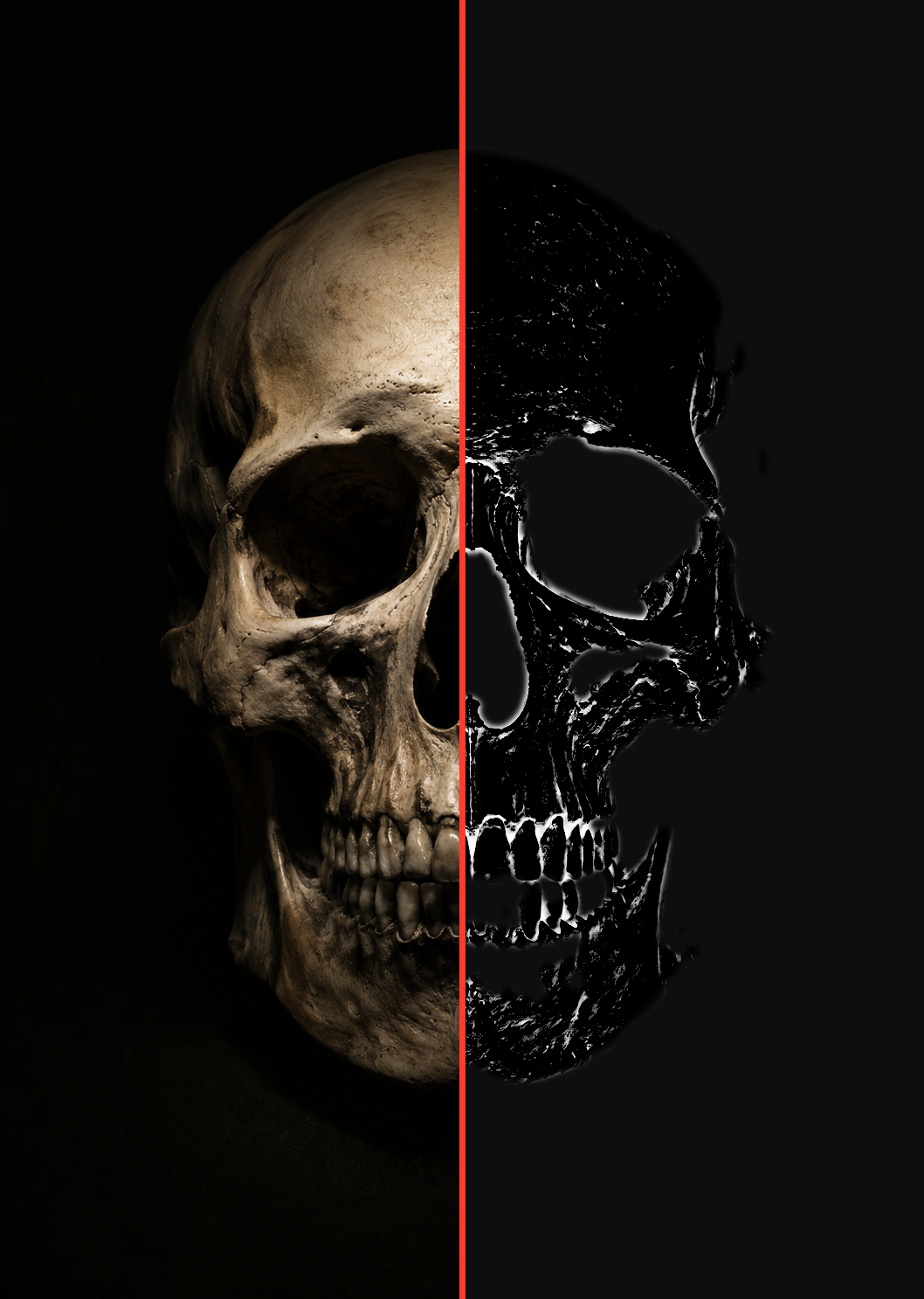
Turn a photo into a clean tattoo stencil — right on your iPhone or iPad. Tune it live, isolate the subject, and print at any size.
Coming soon to the App StorePick a photo and get clean black-and-white line work back — processed entirely on your device. Nothing is uploaded.
Remove the background to stencil just your subject, then crop, straighten, and mirror to fit the placement. iOS 17+
One page, or tile a large piece across multiple sheets with crop marks and alignment guides. Share as PNG or PDF.
Projects auto-save on device — name them, favorite them, come back to them. Built for iPhone and iPad.
Inkline Pro is an auto-renewing subscription. After the free trial, payment is charged to your Apple Account. It renews automatically unless canceled at least 24 hours before the end of the current period. Manage or cancel anytime in your Apple Account settings. Any unused portion of a free trial is forfeited when a subscription is purchased.